
Search Wisconsin Police Blotter
Wisconsin Police Blotter searches usually start with the office that wrote the report, then move to the court or county desk when the file needs a second stop. This statewide page keeps that path simple. Use it to find city police records, county sheriff reports, and court records tied to a Wisconsin Police Blotter entry. If you know the date, place, or agency, you can narrow the search fast. If you only know a name or a city, the county and city pages below help you get to the right office without guessing.
Wisconsin Police Blotter Overview
Wisconsin Police Blotter Sources
Statewide police blotter work starts with the local office, but it rarely ends there. The fastest route is to match the record to the right layer: city police for a city call, sheriff for county land, and court for a filing that has already moved forward. That is why pages like Milwaukee County, Dane County, Waukesha County, Brown County, and Racine County matter as much as the statewide tools. They give each search a local anchor.
The Department of Justice open-government page at doj.state.wi.us/office-open-government is the clean statewide starting point when a request needs the next step. It helps when a county or city response is slow, partial, or hard to read. When the local trail is thin, that statewide guide keeps the search on solid ground.
The first image below points to the Department of Justice open-government page at doj.state.wi.us/office-open-government, so you can keep the statewide guide and the record search in the same frame.
The open-government page is a useful anchor when a request needs a firm state-level route before it reaches a county office.
The Wisconsin DOJ homepage at doj.state.wi.us gives a broader department view without pulling the search away from the local office that owns the file.
That page works best as a broad map, not a replacement for a county or city records desk.
The county law-library page at wilawlibrary.gov/topics/county.php is the other good starting point when you need a county-level legal map without guessing which office to call first.
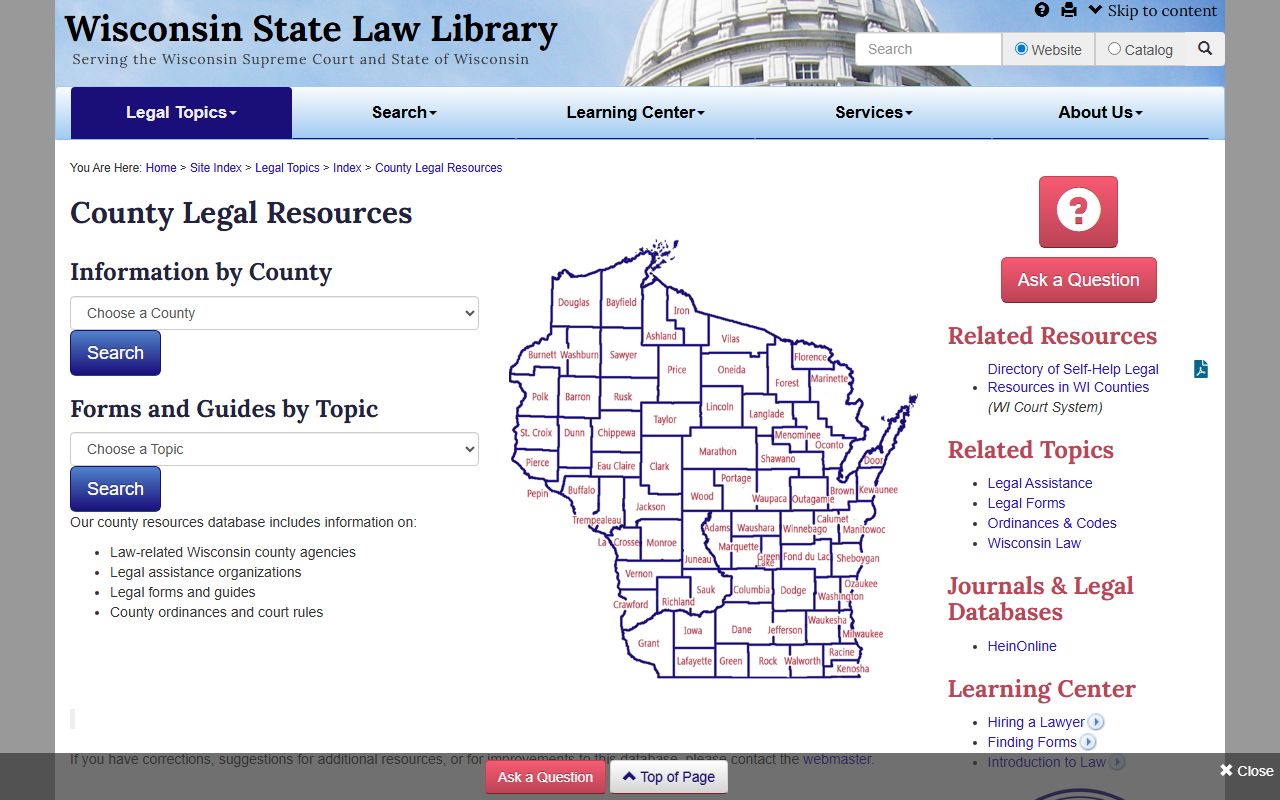
County-level record searches get cleaner when the legal map and the office contact sit in the same place.
Where to Start
Counties and cities do not play the same role. A sheriff office usually handles county land, unincorporated roads, and jail-side records. A city police department handles the city call itself. That is why searches in Milwaukee, Madison, Green Bay, Kenosha, and Racine often begin differently from the county pages.
Big city pages matter because the file path can change with one block. A Milwaukee request may sit with a city unit first and a county desk second. A Madison search can move through the city department, the county side, or a university office if the incident happened on campus. Green Bay, Kenosha, and Racine each have the same pattern in their own way. The office that wrote the report is usually the best one to call first.
The Wisconsin Court System image below at wicourts.gov keeps that local and statewide split in view. It is the reminder that a blotter note can turn into a court entry, and a court entry can point you back to the city or county office that made the first report.
That wider court frame is useful when the incident has already moved beyond the first police report.
The statewide case search at wcca.wicourts.gov helps you track the docket after a blotter note turns into a case. It is the easiest way to see whether a report has become a filing, a hearing, or a closed matter.
The WCCA image below at wcca.wicourts.gov shows the court search that ties many county and city records together across Wisconsin.
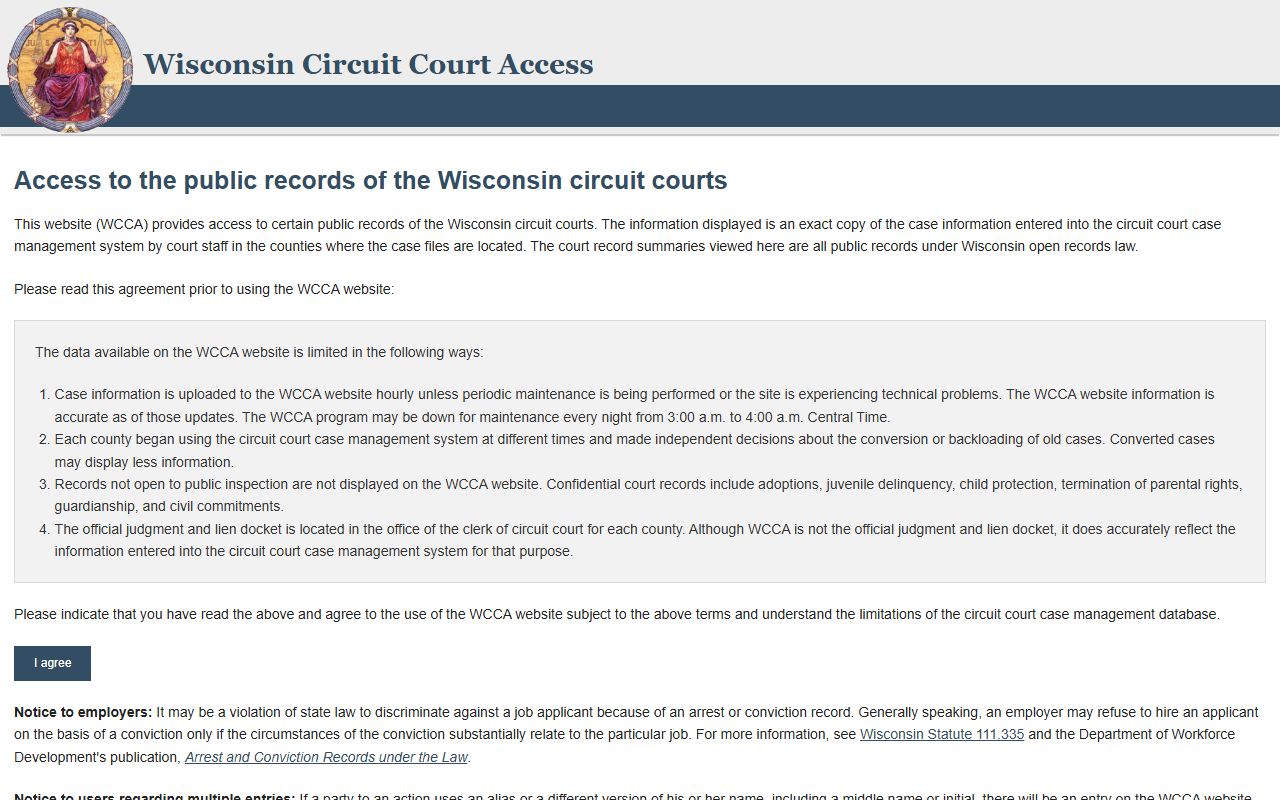
WCCA is most useful when you already know a name, a case number, or the county where the matter landed.
For a broader sense of local government record paths, the UW Extension local government resource page at localgovernment.extension.wisc.edu can help frame how county offices and city offices split their work. It is a useful backdrop when a police blotter search moves from the street to the file cabinet.
The image below points to that local government resource and fits well when you need one more guide for how Wisconsin offices organize public records.

That kind of local-government guidance is helpful when the search crosses office lines but stays inside Wisconsin.
Wisconsin Police Blotter Requests
When a police blotter request is local, the city desk can be the fastest stop. That is true in Milwaukee, where the city police department has a large records operation, and in Madison, where the city and university sides can both matter. It is also true in smaller places where a single department still holds the report and the county office picks up the court side later.
County-side requests often start in the sheriff office for places like Door County, Jefferson County, Kewaunee County, Walworth County, and Waushara County. Those pages show how local access changes from one county to the next. Some use email. Some use mail. Some want a form, a phone call, or an in-person request. The office that owns the first report usually sets the tone for the rest of the search.
Milwaukee and Madison are the clearest city examples because they have large departments and strong public-records trails. Smaller city pages work the same way, just with less volume and fewer handoffs. The image below points to the Madison Police Department at cityofmadison.com/police, which is a good model for a city-side police blotter search when the incident stays inside a municipality.
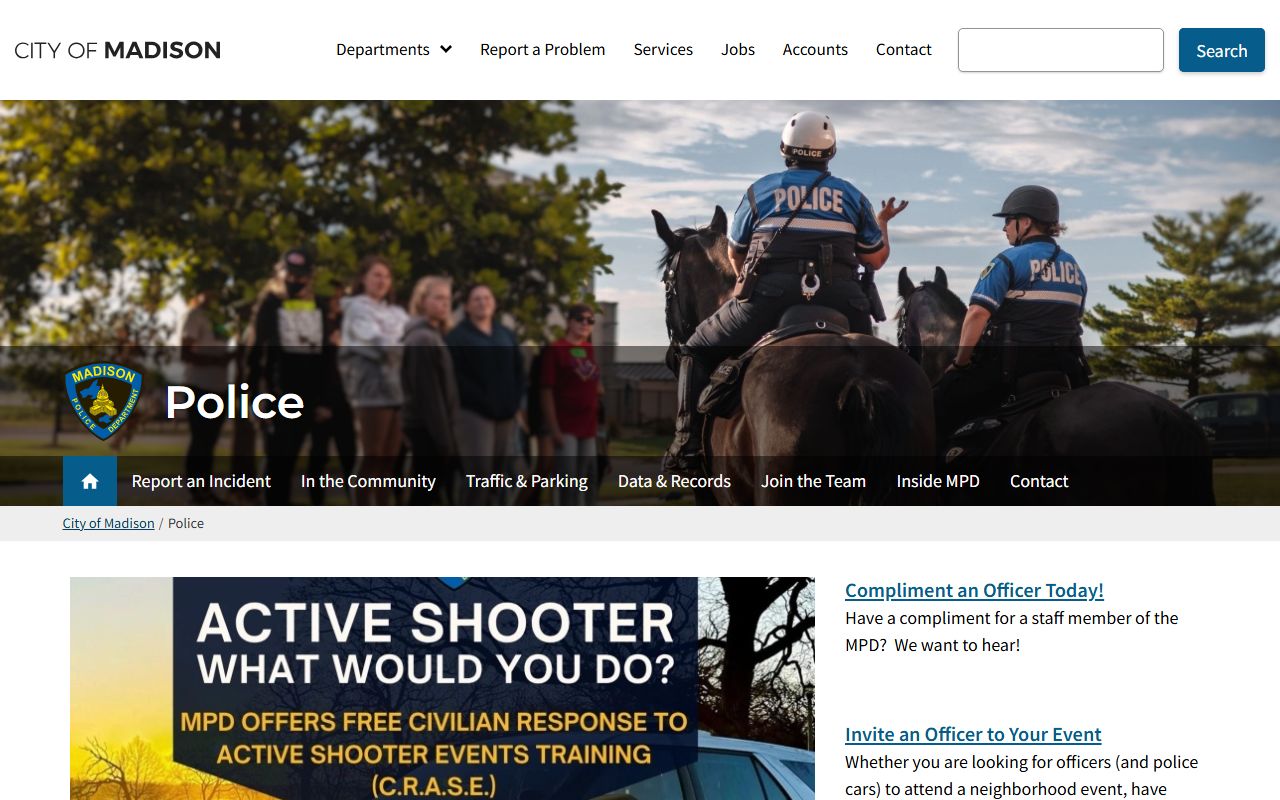
Madison shows how a city department can carry the first stage of the search while the county or court picks up the rest.
The Milwaukee Police Department image below at city.milwaukee.gov/police shows the same idea on a larger scale. Big city departments often have separate records paths, different hours, and more request volume than a county office.
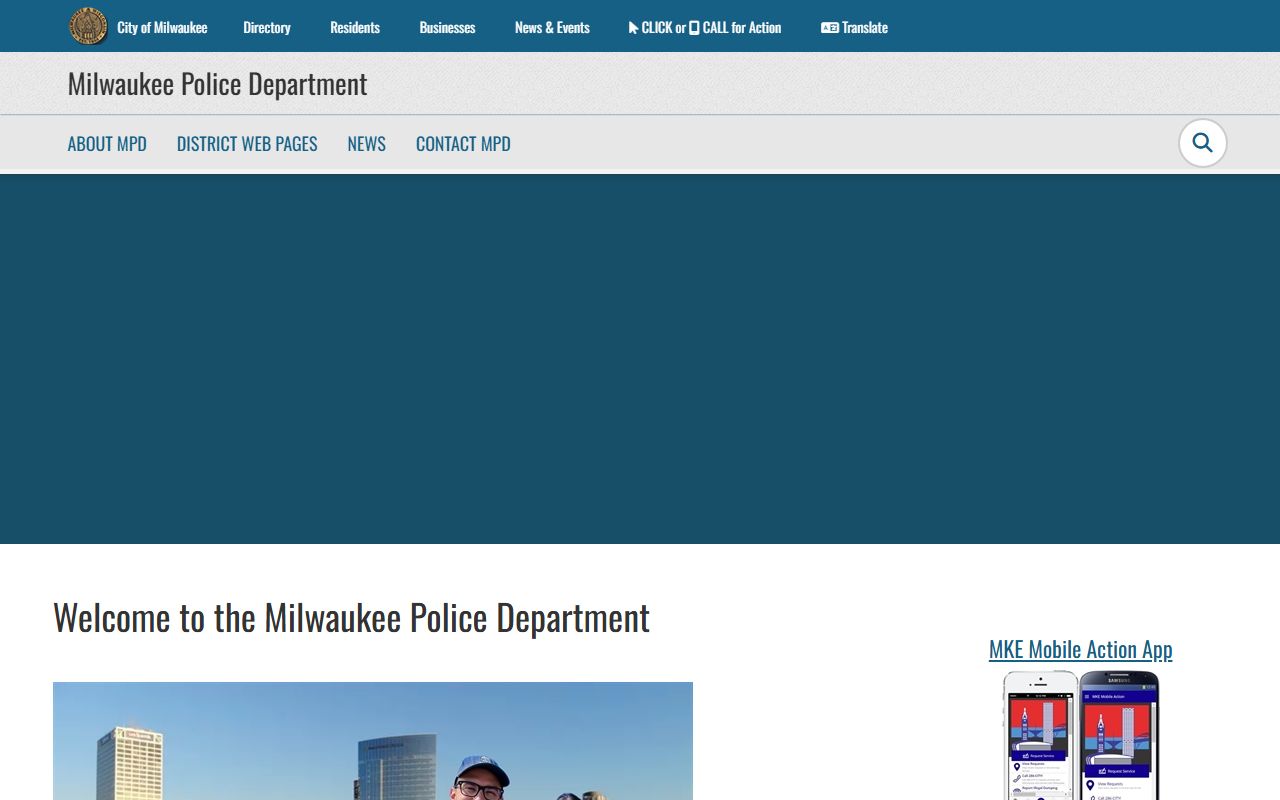
Milwaukee is the strongest reminder that the first office matters, because a city desk may be the only place that holds the original report.
Wisconsin Police Blotter Records Checks
Some searches are not really about the report itself. They are about whether the person was booked, whether the case is still active, or whether the event moved into another record system. That is where the state side can help. A records check can show one more step in the trail, even when the original police blotter is still with the local office.
The VINELink custody-notification image below at vinelink.vineapps.com is useful when a search has to cross from a report into custody status. It does not replace a local request, but it helps when the question is whether a person was booked, transferred, or still in custody.
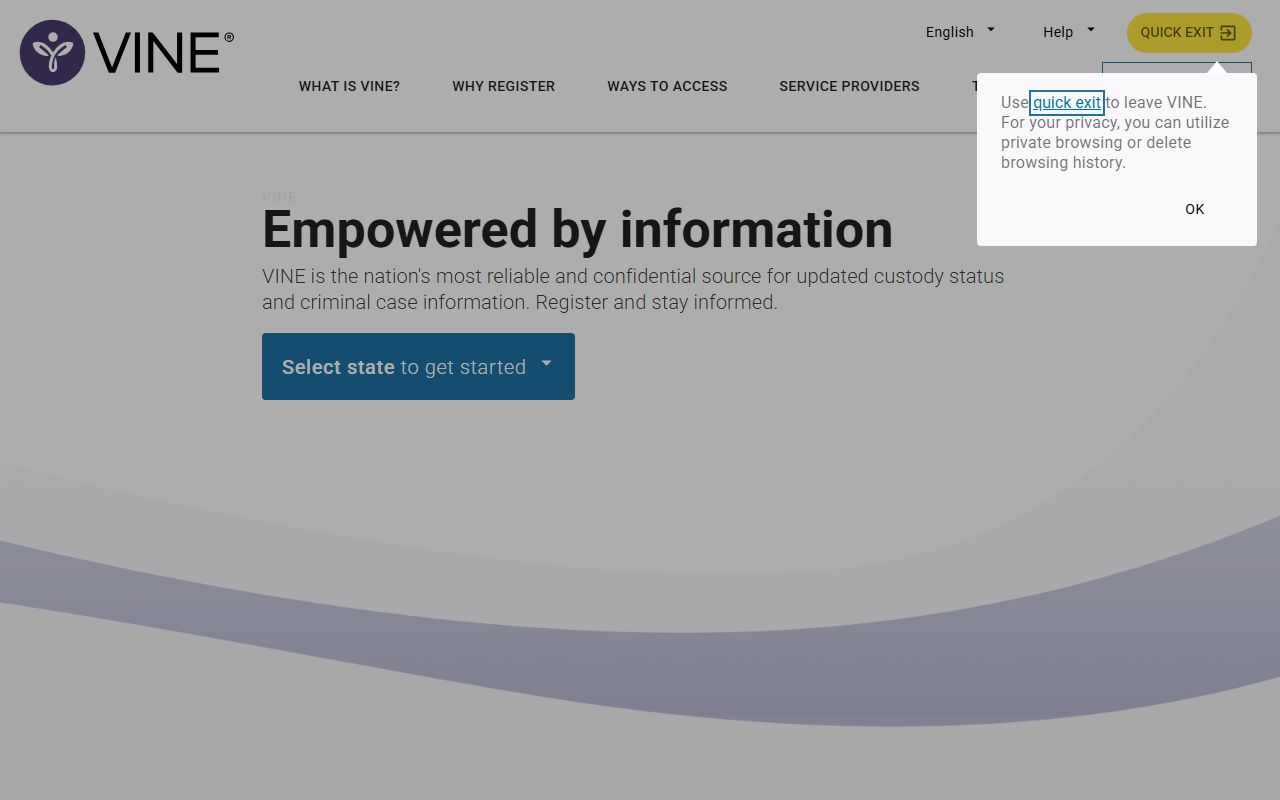
That kind of custody check can shorten the path between a police note and the next record you need.
The VINELink offender-search image below at vinelink.com serves a different purpose. It is better when the search is about status and movement, not the report text itself. In a statewide search, that can save time when the local office has already done its part.
The offender-search path is not the same as a police report, but it can still help answer the practical question that started the search.
For criminal-history context, the DOJ crime-information image below at doj.state.wi.us/dles/cib is a better fit. It sits closer to the background-check side of the search and helps when the blotter entry points toward a deeper history check.
That page is a stronger match when the search needs a state-level criminal-information trail.
Crash-related searches belong on the state DOT crash-report page at app.wi.gov/crashreports, not in a general police records ask. The image below points to that route so a Wisconsin Police Blotter search does not get mixed up with a traffic report.
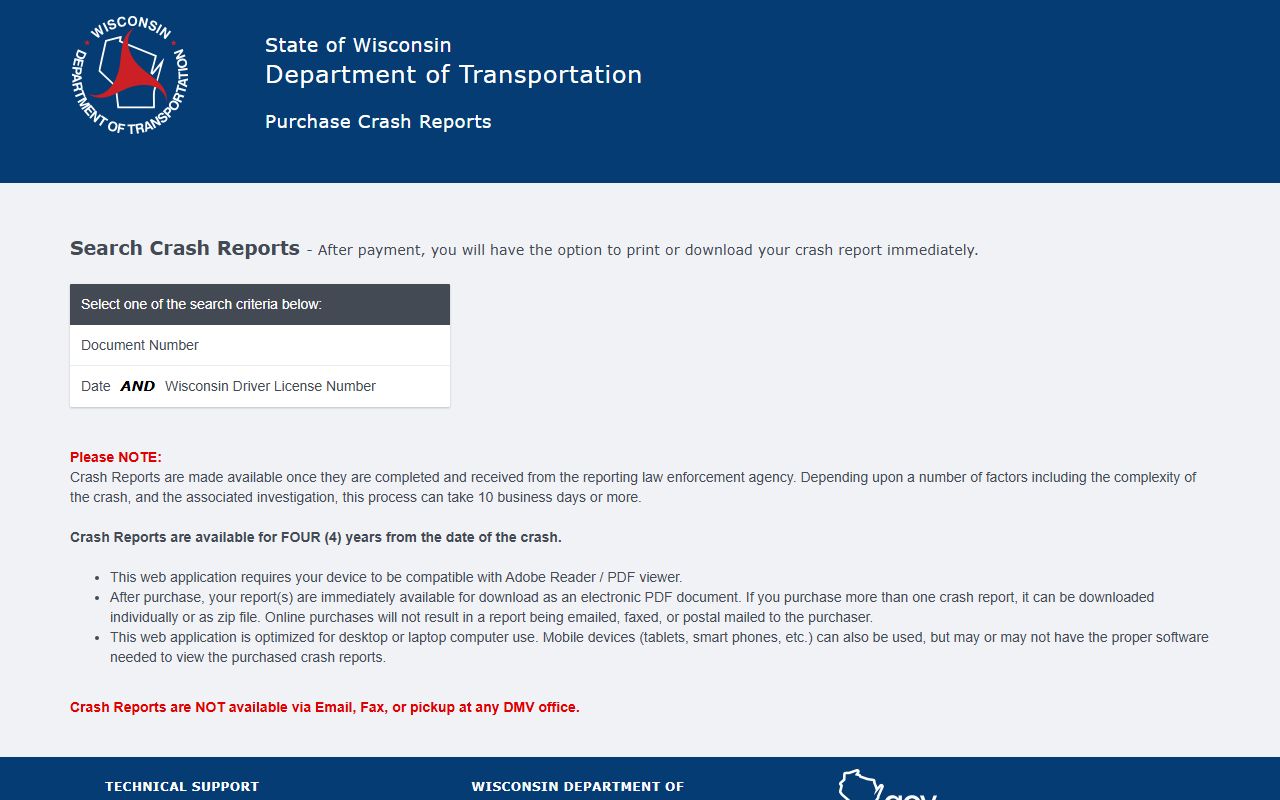
That separation matters because a crash record can sit beside a blotter note without being the same record.
The WORCS record-check image below at recordcheck.doj.wi.gov is the final state-side tool in this chain. It fits when the search needs a check rather than the original police narrative.
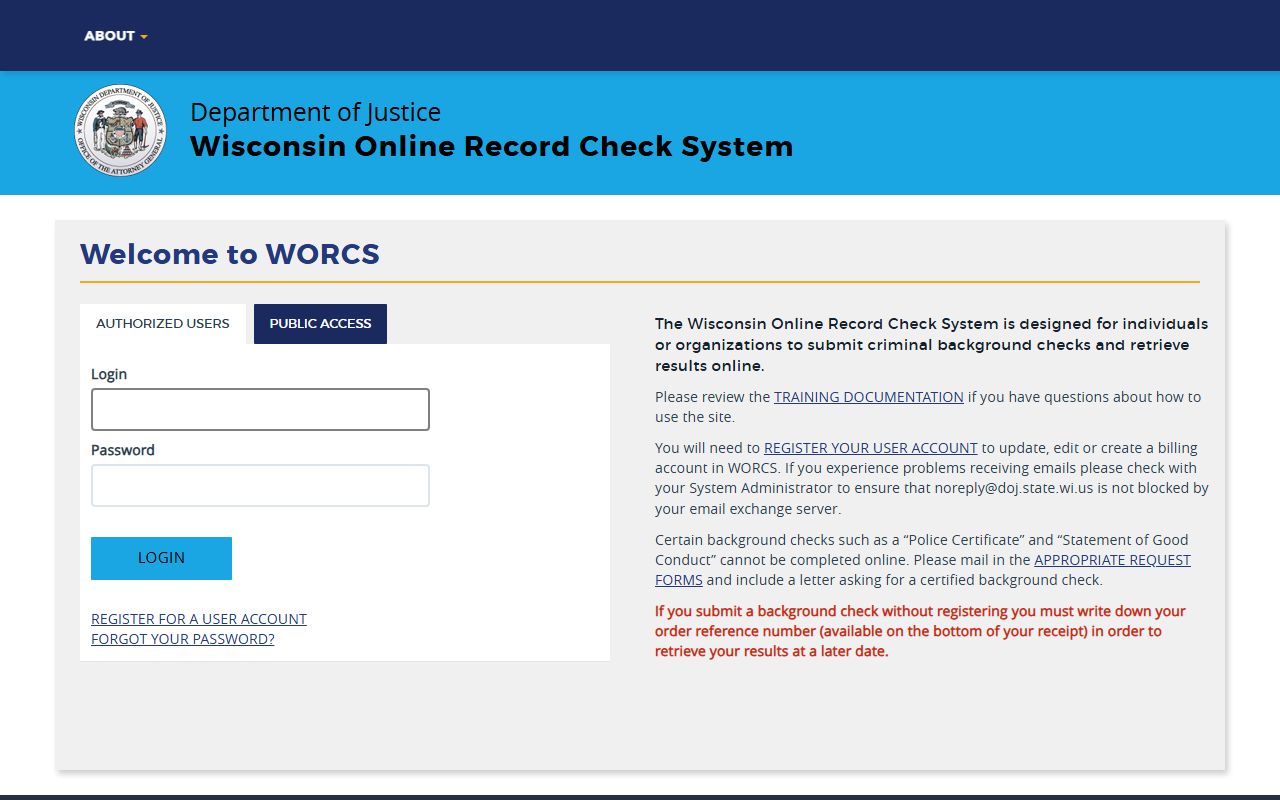
It is the best reminder that a Wisconsin Police Blotter search can point to more than one kind of state record.
Browse Wisconsin Police Blotter
Use the county pages when the agency is a sheriff office or the record has moved into county court. Use the city pages when the report began with a police department. That split is the fastest way to keep a Wisconsin Police Blotter search from drifting. The page set below follows the counties and cities that already have full records guides, so you can move from a statewide search to the right local office in one step.
The county links cover the strongest statewide anchor points. The city links cover the places where a report usually starts. Together they give you a clean map for a record search that needs more than one office.
Those pages are the fastest path when you already know the local office. If the incident was in a city, start with the city page. If it happened outside city limits or moved into court, shift to the county page. That simple split keeps the search clean and saves time.
Wisconsin Police Blotter searches are easiest when you keep the office, the place, and the type of record aligned. City departments handle city calls. County sheriff offices handle county calls. Court tools and state checks fill in the gaps when a record has already moved forward. If you keep those lines clear, the search stays fast and the record trail stays useful.
With the county and city pages above, a statewide search can move straight to the office that owns the file. That is the shortest path through Wisconsin Police Blotter records and the best way to avoid a broad request that lands on the wrong desk.
Browse Wisconsin Police Blotter Records
The county pages below give you the best local starting point when the agency is a sheriff office or the matter has moved into county court. The city pages below are the quickest path when the report started with a municipal department. Use both together when a Wisconsin Police Blotter search needs one office for the report and another for the follow-up.