
Brown County Police Blotter Lookup
Brown County Police Blotter records can be hard to track if you do not know where the call started. Some incidents are held by the county sheriff, while others sit with the Green Bay Police Department because the city handles its own streets and calls. If you need to search a Brown County Police Blotter, start with the local agency, then move to court and crash tools if you need a full report, a docket result, or a copy of a case file. The path is simple once you know which office owns the record.
Brown County Police Blotter Access
The main county door is the Brown County Sheriff's Office at 2684 Development Drive in Green Bay. Its site at browncountywi.gov/government/sheriffs-office is the first stop for county-side records, jail links, and other law enforcement pages. If you are trying to reach a report that came from county roads, county land, or another sheriff run area, that office matters first.
Here is the county records page in use. It gives Brown County a clear public path for request work at browncountywi.gov/government/sheriffs-office/general-information/services/records-requests, and the page warns people not to send more than one request for the same item. That small rule matters. It keeps the line clean and lowers the chance of a slow answer or a mixed file. The records phone is (920) 448-4200 and the fax number is (920) 448-4206.
Brown County also needs to be read with Green Bay in mind. The city has its own police shop at gbpolice.org/1084/Records-Requests, so a call inside the city limits may not live with the sheriff at all. If you know the case started in Green Bay, do not stop at the county office. Check the city side too. That split is common in Wisconsin, and it is why a good search starts with the place, not just the name.
The sheriff site gives the best county-level starting point, and the image below links back to that source page.
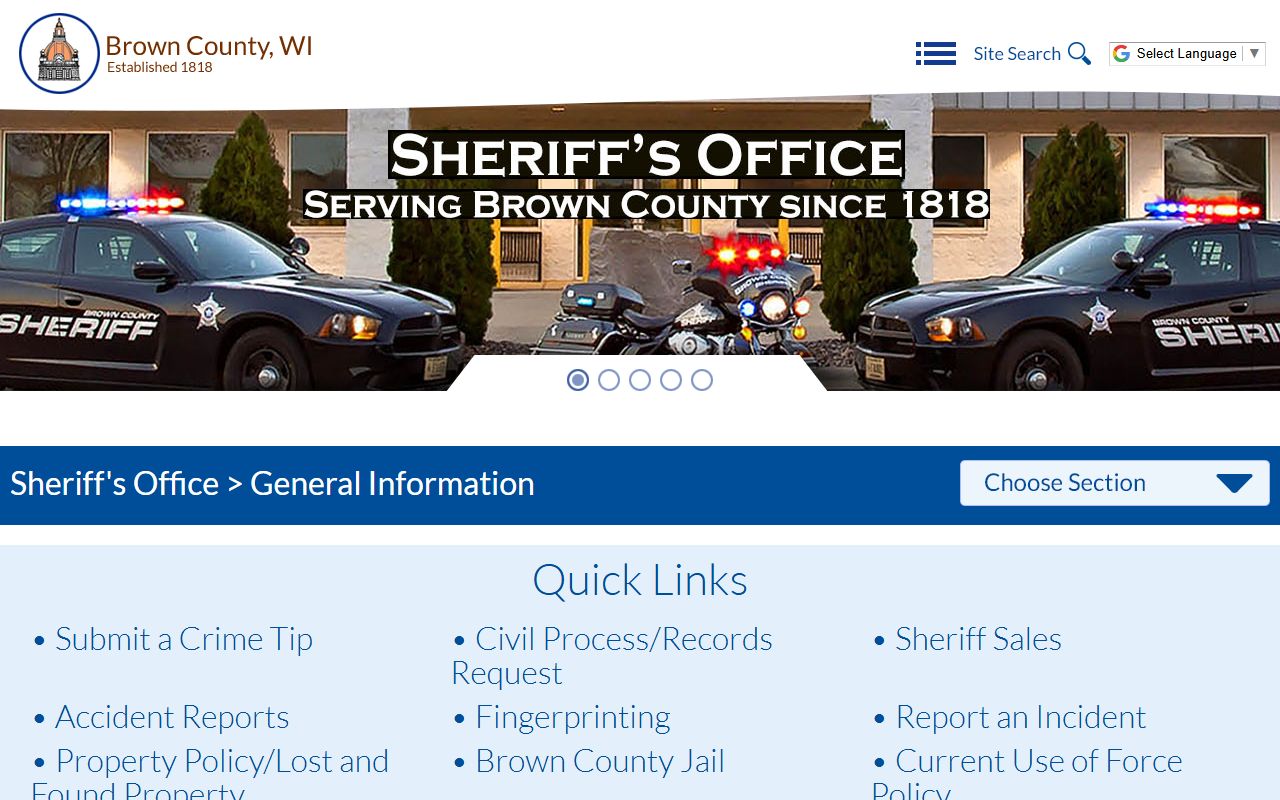
That office is the right lane for county calls, jail links, and wider sheriff work.
Brown County Records Requests
When you ask for Brown County Police Blotter material, keep the request tight. A good ask names the date, place, people involved, and any report or case number you already have. The county sheriff page says not to send multiple requests for the same record, and that advice is worth following. One clean request is better than three loose ones. It saves time for you and for the records clerk.
The law behind the search is the same one used all over the state. Wis. Stat. Chapter 19 gives the public a strong right to inspect records under Wis. Stat. 19.31 and Wis. Stat. 19.35, but the office can still charge the actual, necessary, and direct cost of work when the law allows it. That means you should ask for the right file the first time. If a record takes extra time, the agency can bill for that work in some cases.
These items help most when you write the request:
- Exact date or date range
- Street address or clear place name
- Names of the people tied to the call
- Report number or case number, if you have one
- Whether you want the full report or just a copy
For city calls, the Green Bay records desk is also key. The records division sits at 307 S. Adams St., Green Bay, WI 54301, with phone number 920-448-3329 and email recordrequest@greenbaywi.gov. Its hours are 7:30 a.m. to 4 p.m. Monday through Friday. That office can help with city police files, and it often sits closer to the exact record than the county office does.
This request page is the county side of that path, and the image below points back to the same source.
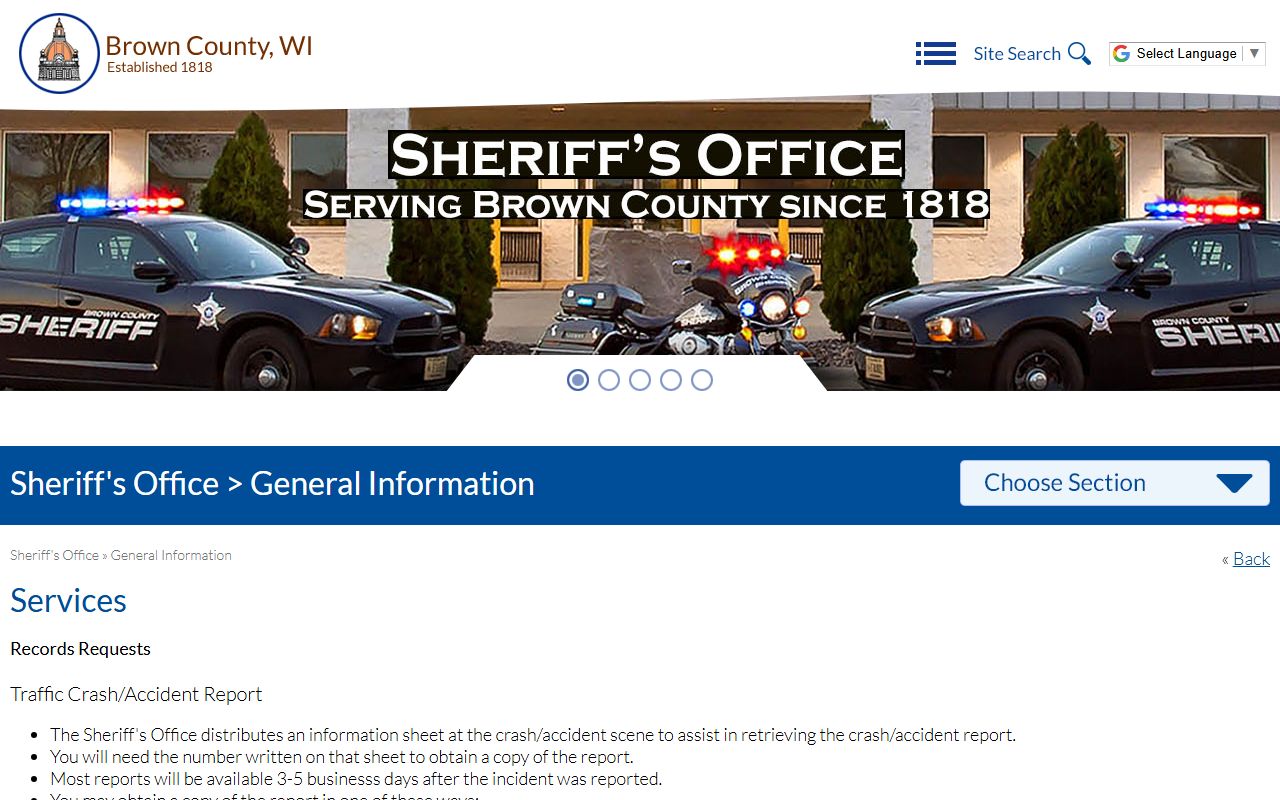
Use it when you want the county office to search for a file or explain the best way to ask.
Note: Brown County says complex requests can take longer, so clear facts up front can keep your search from stalling.
Brown County Police Blotter and Courts
The court side matters because many police files end with a docket or a charge result. For Brown County, the Clerk of Courts is at 100 S. Jefferson Street, Green Bay, WI 54301, and the phone number is (920) 448-4160. The office is open Monday through Friday from 8 a.m. to 4:30 p.m. If you need to know how a call turned out, the court file can help more than the police memo can.
WCCA, the Wisconsin Circuit Court Access system, is the fast way to check statewide case data. You can use wcca.wicourts.gov to search by name or case number and see the court path that follows a Brown County Police Blotter entry. The system does not replace the local file, but it can show the status, the charge, and the date trail. That is useful when you need to match a police call to a court result.
Green Bay city cases may also touch the municipal court at greenbaywi.gov/497/Municipal-Court. That matters for local tickets and some ordinance work. The city public records page at greenbaywi.gov/195/Public-Records is another good lane when you are not sure if the file is city or county side. Wisconsin Court System help is at wicourts.gov, and it can guide users who need forms or self-help tools.
The Brown County sheriff and the Green Bay police desk do not always hold the same piece of paper. One may have the incident report. The other may have the court path. A smart search checks both before you give up.
Brown County Public Records Limits
Wisconsin law gives a strong push toward access. That starts with Wis. Stat. 19.31, which sets the presumption of public access, and it continues through Wis. Stat. 19.36 and Wis. Stat. 19.37, which cover limits and enforcement. In plain terms, the public can ask, but not every line is open. Juvenile details, active probes, and some private data can be cut back or hidden.
That is also where the state guides help. The Office of Open Government at doj.state.wi.us/office-open-government explains the law in one place, while the resource page at doj.state.wi.us/office-open-government/office-open-government-resources gives more depth for both requesters and records staff. If you need the county legal map, the State Law Library directory at wilawlibrary.gov/topics/county.php points people to local courts and offices without guesswork.
Police blotter records also sit in the old public-records tradition. The Wisconsin Supreme Court case often cited for daily arrest lists is available at law.justia.com/cases/wisconsin/supreme-court/1979/76-724-7.html. It is one reason these records are treated as public by default. For crash files, use app.wi.gov/crashreports. For a background check tied to a state record, use recordcheck.doj.wi.gov, though that is a different tool from a police blotter search.
Audio and video can bring more cost under 2023 Act 253, since a law enforcement agency may bill for the actual redaction work tied to those files. That matters when you ask for body cam or dash cam clips. A paper report is simpler. A clip can take more time, more review, and more money.
The city police records page is useful when a Brown County call came from Green Bay, and the image below links back to that source.
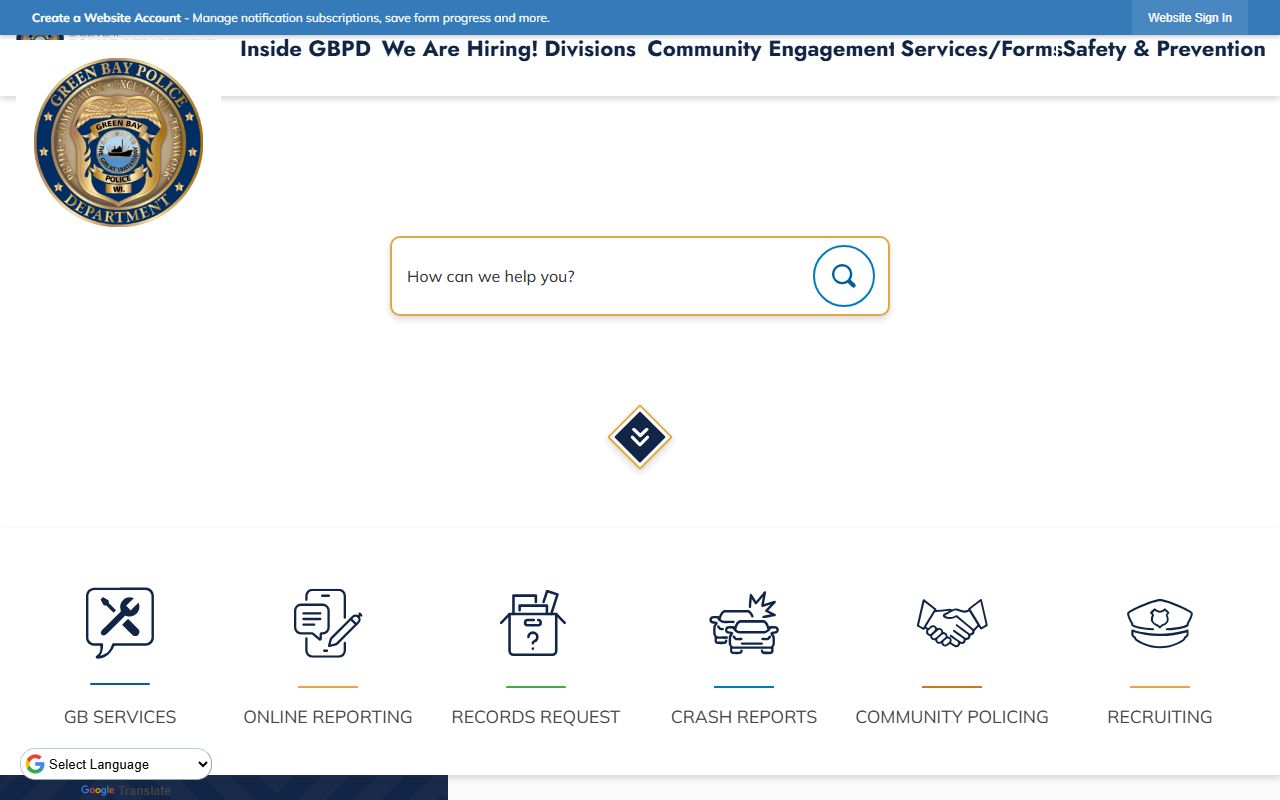
That shared boundary is common here, so a county search often needs one city check too.
Note: If a Brown County case is still active, the court or prosecutor may control release of part of the file even when the blotter itself is public.