
Search Milwaukee Police Blotter
Milwaukee police blotter searches often begin with the city police desk, but they do not always end there. Some files stay with the Milwaukee Police Department, some move to the county sheriff, and some leave a trail in the court record after the call is over. If you need an incident note, an arrest file, or a crash report, start with the office that handled the event. That simple step can save time and keep you on the right path when the record sits in a city file instead of a county one.
Milwaukee Police Blotter Sources
The city police site is the main front door for many Milwaukee searches. The open records page at mkepolice.com/reports/ is built for report requests, while the main department site at city.milwaukee.gov/police helps you identify the right unit and records path. Those pages work together. They point you toward the right desk for a call for service, a report copy, or a follow up request. That matters in a city this size, where one street can touch more than one record path.
For city side and county side split work, the county public records portal at county.milwaukee.gov/EN/Our-County/Public-Records and the Sheriff's Office public records page at county.milwaukee.gov/EN/Sheriff/Contact/Public_Records keep the search from drifting. The Milwaukee Police Department records counter at 2333 N. 49th Street has limited hours, so it helps to know whether the file is city or county before you leave home. One office may have the report. The other may only tell you where it went.
The Milwaukee Police Department site also gives the city context for a blotter search, and the source page is city.milwaukee.gov/police.
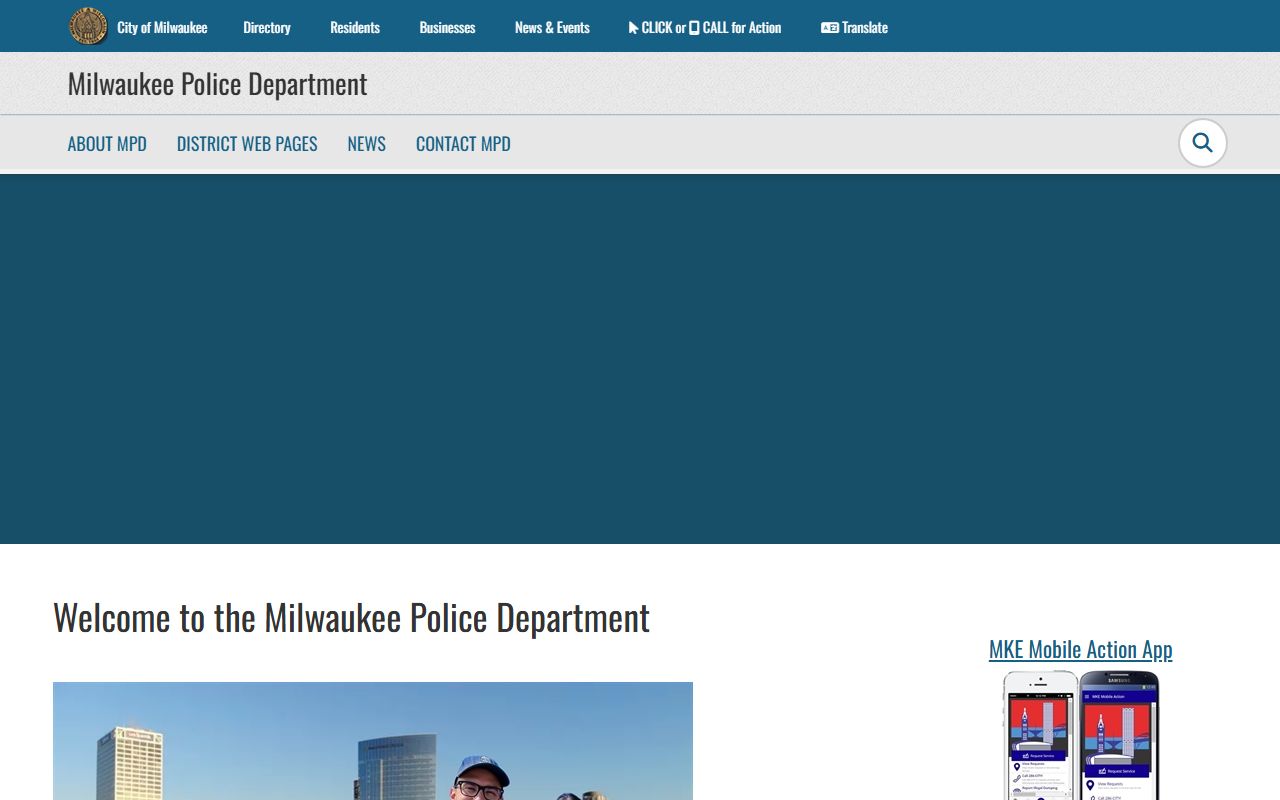
The image points to the department that handles a large share of city calls. When you are looking for a local report, that is usually the first place the trail begins.
Milwaukee Police Blotter Search Steps
The Wisconsin Circuit Court Access portal at wcca.wicourts.gov and the full Wisconsin Court System at wicourts.gov still matter in a city search. They show what happened after a police call reached court. Search by name or case number first. Then narrow by date and county. Milwaukee names are common, so the cleanest search is often the one with the best date range. The more exact the clue, the less time you spend sorting through near matches.
Milwaukee County court records are not always a straight CCAP copy. Branch 35 and other local court paths may not line up with the same search view you get in smaller counties. If the blotter note points to a court case, check the case file and the clerk path as well. The State Law Library county directory is a good way to jump to the right local office. A city call can lead to a county case very fast, so the search has to stay flexible.
Note: If a city search stalls, switch to the county name, the street, or the agency. That small change often turns a blank page into a useful lead.
Milwaukee Police Records Desk
The MPD records counter at 2333 N. 49th Street, 2nd Floor, Milwaukee, WI 53210 is where simple requests can move fast. The window is open Tuesdays and Thursdays from 8 a.m. to 3 p.m., which means the clock matters. Small requests like accident reports, citations, and some non-sensitive incident reports are often handled the same day if the file is ready. Most requests cost under $5, and the counter takes cash or check only. If you know the date and the location, the desk can usually get to work right away. The open records email is mpdopenrecords@milwaukee.gov.
The open records page is better for requests that do not fit a quick counter visit. Sensitive files, video, and audio move into a review queue, and that queue can take time because redactions are checked before release. Wisconsin Act 253 matters here because recorded audio and video can carry redaction cost. The city keeps the process tight for a reason. It protects the file, but it also means a broad request is more likely to slow down than a focused one.
The MPD open records page at mkepolice.com/reports/ is the clearer source when the incident was in city hands, while the county sheriff public records page at county.milwaukee.gov/EN/Sheriff/Contact/Public_Records helps if the incident was not in MPD hands.
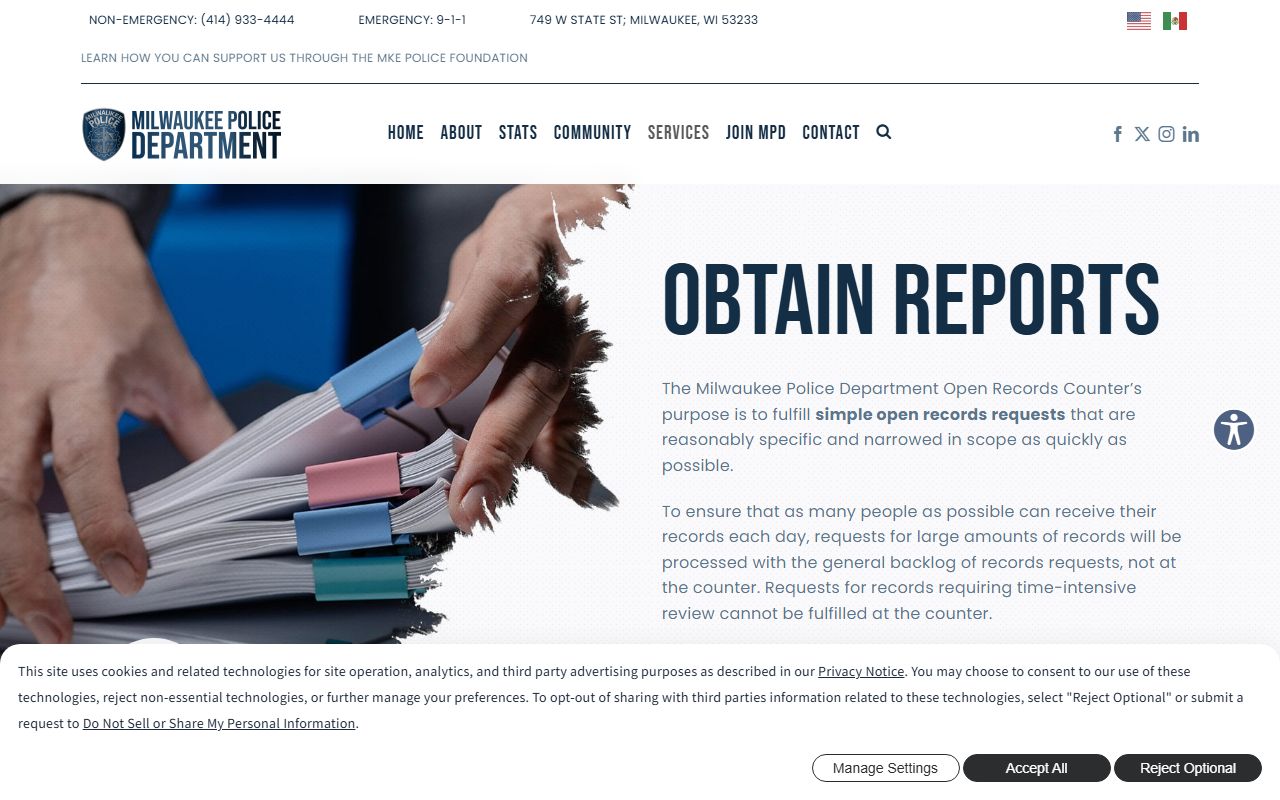
The image is a good match for the city desk because it shows where many Milwaukee report searches begin. If you are not sure which office wrote the file, check the source first and the rest gets easier.
Milwaukee Crash Reports
Crash records follow a different path. The statewide crash portal at app.wi.gov/crashreports is the main place to look for a DT4000 report once the file is ready. In Milwaukee, crash reports are often available about 14 days after the incident. The search works best when you have the report number, the date, and the last name of one person in the crash. If you do not have the number, start with the investigating agency and the place of the crash. That keeps the search from missing the right file by a small detail.
The Wisconsin DOJ Crime Information Bureau offers the online record check system at recordcheck.doj.wi.gov, which can help when you need a criminal history record check rather than a police report. VINElink at vinelink.com is useful for custody status, not blotter detail, but it still helps when a city call leads to an arrest or jail stay. The two tools fill in the edges of a Milwaukee police blotter search. They do not replace the file, but they make the record trail clearer.
Milwaukee Police Blotter Public Records
Wisconsin public records law is the reason a Milwaukee police blotter request can succeed at all. The statute text at docs.legis.wisconsin.gov/statutes/statute/19 covers the core rules in Wis. Stat. 19.31, 19.35, 19.36, and 19.37. The Department of Justice Office of Open Government at doj.state.wi.us/office-open-government and its resource page at doj.state.wi.us/office-open-government/office-open-government-resources explain how a requester and a custodian should work through access. The point is simple. Public access is the rule, and the city has to justify a denial.
That rule does not mean every line is open. Milwaukee can redact names, video frames, or other sensitive parts when the law allows it, and the cost of redacting audio or video can be charged under Act 253. The case at law.justia.com/cases/wisconsin/supreme-court/1979/76-724-7.html is a long standing reminder that police blotter records are not a private ledger. Note: The public can ask for records, but the office still controls the timing, the redactions, and the format of release.
Milwaukee Police Blotter Tips
The best Milwaukee police blotter requests are short and exact. Give the date, the street, the name, and the agency if you know it. If the call happened on a city street, start with MPD. If it happened on county ground, use the county sheriff and county public records pages. If you are not sure, check both. That small extra step is better than one broad search that goes nowhere. In a city this big, the same surname or the same block can point to more than one incident.
Keep the search tied to the record you want. Use the report page for police reports, wcca.wicourts.gov for court follow up, and app.wi.gov/crashreports for crash files. If the record is still not clear, the city site and the county records pages can point you to the right desk. A focused request saves time, cuts down on redactions, and gets you to the file faster.