
Search Rock County Police Blotter
Rock County police blotter searches usually begin with the sheriff or the Janesville police desk, then move to the clerk of courts if the incident becomes a case. That path helps because Rock County keeps city work, county work, and court follow-up in different offices. If you want to find a report, confirm a booking note, or get a copy of a public record, start with the office that handled the call. In Rock County, the right date, place, and agency can turn a broad request into a useful police blotter search much faster.
Rock County Police Blotter Overview
Rock County Police Blotter Sources
The Rock County Sheriff's Office at co.rock.wi.us/sheriff is the county-side starting point for most Rock County police blotter requests. The office is at 100 S. Main St. in Janesville, and it sits at the center of the county records path. Rock County also uses an online portal through the county site, so the search does not have to start with a walk-in visit. That is useful when you want a copy of the report but do not want to guess which desk owns it.
Janesville incidents often start with the city police office at ci.janesville.wi.us/police. The city department is at 100 N. Jackson St., and that makes it the right local stop when the event stayed inside city limits. Rock County police blotter work gets easier when you keep the city and county routes separate. The wrong office can still help, but the right office usually gets you to the file faster and with less back and forth.
The clerk of courts in Janesville is the next place to check when a blotter entry turns into a docket. Rock County uses its courthouse records to track the court side of the event, while the sheriff and police desk keep the first response trail. If you are looking at a report number, a charge, or a court date, the clerk and WCCA often tell you more than the initial blotter line. That is why a Rock County police blotter search usually becomes a two office search.
The Wisconsin DOJ Office of Open Government at doj.state.wi.us/office-open-government is a solid state fallback when a county request needs a broader rule check. The image below points to that same kind of public access guidance.
That source is a useful backstop when a Rock County request needs plain language guidance on access and redaction.
Note: Rock County's sheriff and city police paths are separate, so match the office to the incident before you send the request.
Rock County Police Blotter Requests
Rock County's records workflow leans on the online portal and on direct follow-up with the records desk. Email delivery is preferred when the documents are ready, and the county says payment can be made by check or at the records desk. That matters because a simple report and a body camera packet do not move through the same queue. If you already know the date, officer name, or report number, include it up front. A clear request often means fewer delays and fewer return questions from staff.
The county's fee structure is straightforward. Accident reports are $3.00, standard copies are $0.25 per page, and IT costs can reach $95 per hour when technical work is needed. Those figures make a difference when you are deciding whether to ask for a short incident copy or a larger packet with media. Video and body camera requests can take longer than a paper report, so the smartest request is the narrowest one that still gives you the file you need.
Use this kind of detail in the request:
- Date or date range of the incident
- Street, business name, or intersection
- Name of the person or people involved
- Report number, if you already have it
- Whether you need a paper copy or a linked digital delivery
That request style works well in Rock County because it tells the records staff what to pull before the search starts. It also helps if the record needs review, redaction, or a second office to confirm the incident type. When the request is clear, the office can usually move faster and keep the work tied to the right record from the start.
Rock County Police Blotter and Courts
When a Rock County police blotter item becomes a court matter, Wisconsin Circuit Court Access is the quickest statewide tool to check the docket. Use wcca.wicourts.gov for the case status, then use wicourts.gov if you need the broader court system path or forms. The court record will not replace the police report, but it will show what happened after the first response. That is often the cleanest way to tell whether a city or county call turned into a filing.
The Rock County Clerk of Courts in Janesville helps bridge that gap. If you have a case number, a party name, or a hearing date, the court office can point you to the right case side of the file. In Rock County, the sheriff, city police, and clerk all hold different pieces of the same trail. A good police blotter search uses each office only for the part it owns.
The WCCA image below gives a visual anchor for the court side of the search, which is where many Rock County records end up after the first report.
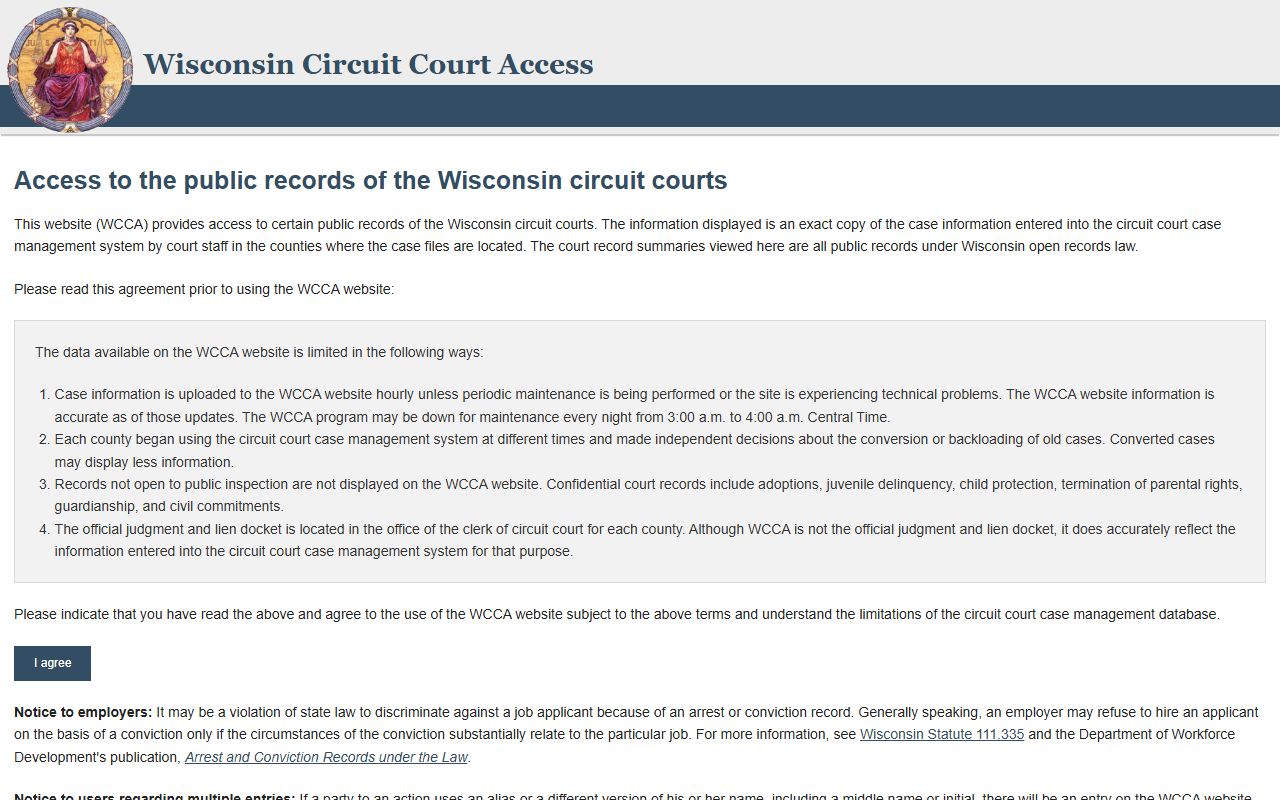
That tool is the fastest way to check whether a Rock County incident moved from the report stage into the court stage.
For records tied to a crash, use app.wi.gov/crashreports instead of the sheriff desk. For a general history check, recordcheck.doj.wi.gov is the state tool. Those state systems do different jobs, but they often matter in the same Rock County search when you want to know how one incident connects to another record.
Rock County Public Records Limits
Wisconsin public records law starts with a presumption of access. Wis. Stat. 19.31 explains that starting point, while Wis. Stat. 19.35 covers access and copying, Wis. Stat. 19.36 covers common limits, and Wis. Stat. 19.37 covers review and enforcement. In Rock County, that means a police blotter record can be public while parts of it still need redaction.
The Wisconsin DOJ Office of Open Government resources at doj.state.wi.us/office-open-government/office-open-government-resources and the State Law Library county guide at wilawlibrary.gov/topics/county.php help when a local response is delayed or trimmed. They are useful when the county says some lines must stay back for privacy, safety, or an active matter. That does not mean the record is gone. It usually means the file is being screened before release.
If you want a plain reminder of why blotter-style access remains public, the 1979 Wisconsin Supreme Court case at law.justia.com/cases/wisconsin/supreme-court/1979/76-724-7.html is still part of the background. It is not the only rule that matters, but it is a good signpost when you are checking the public side of a police record. For Rock County, that case helps explain why a simple incident note is often easier to release than the fuller file behind it.
Note: A delayed or redacted Rock County response usually means the office is reviewing what can be released, not that the record is missing.
Search Rock County Police Blotter
If you are still looking for the right record, start with the sheriff or Janesville police desk, then use the clerk of courts if the incident becomes a case. That keeps the search narrow. It also keeps you from sending the same broad request to three offices when only one has the first report. In Rock County, a specific date, place, and agency name usually do more than a long explanation.
When the request is a crash, use the state DOT portal. When it is a court case, use WCCA. When it is a sheriff or police report, ask for the exact file and keep the request short enough that the office can find it on the first pass. That is the most direct Rock County police blotter search and the one most likely to give you a useful answer quickly.