
Search Outagamie County Police Blotter
Outagamie County Police Blotter searches often split between the sheriff office in Appleton and the city of Appleton records desk. That split matters in the Fox Cities, where one call may sit with the county and the next may belong to the city police file. If you are looking for an arrest note, an incident report, or a court result, start with the right office and the right date. The county seat is Appleton, and the local records trail is usually clear once you know which agency touched the record first.
Outagamie County Police Blotter Access
The county sheriff office is at 500 W. Walnut St., Appleton, WI 54911, and the main phone line is (920) 832-5600. When you call, option 2 reaches the records staff. That detail matters because a lot of Outagamie County Police Blotter requests start with one short phone call, then move into a form or a follow-up email. If the file comes from county jurisdiction, the sheriff desk is the right first stop.
The official sheriff site is listed at outagamie.org/sheriff, while the strongest local city source is appleton.org. The city site is useful because Appleton is the county seat and the largest city in the Fox Cities region. It also pairs with the Appleton public records request form, which is available as a PDF at cms2.revize.com/revize/appletonwi/Documents/Clerks/Other%20Forms/Public%20Records%20Request%20Form.pdf. That form gives the county search a local city route when the record sits with Appleton police instead of the sheriff.
Appleton records guidance says 5 to 10 business days is the typical response time. That is a helpful benchmark, but it is not a promise for every file. Fingerprinting services are also available at the police department by appointment, and a valid government-issued photo ID is required. Those facts help when a person is trying to match a police blotter entry to a local police file, a report copy, or another related record in the same office.
Appleton's city site at appleton.org is the best local match for this county page, and the image below points back to that source.
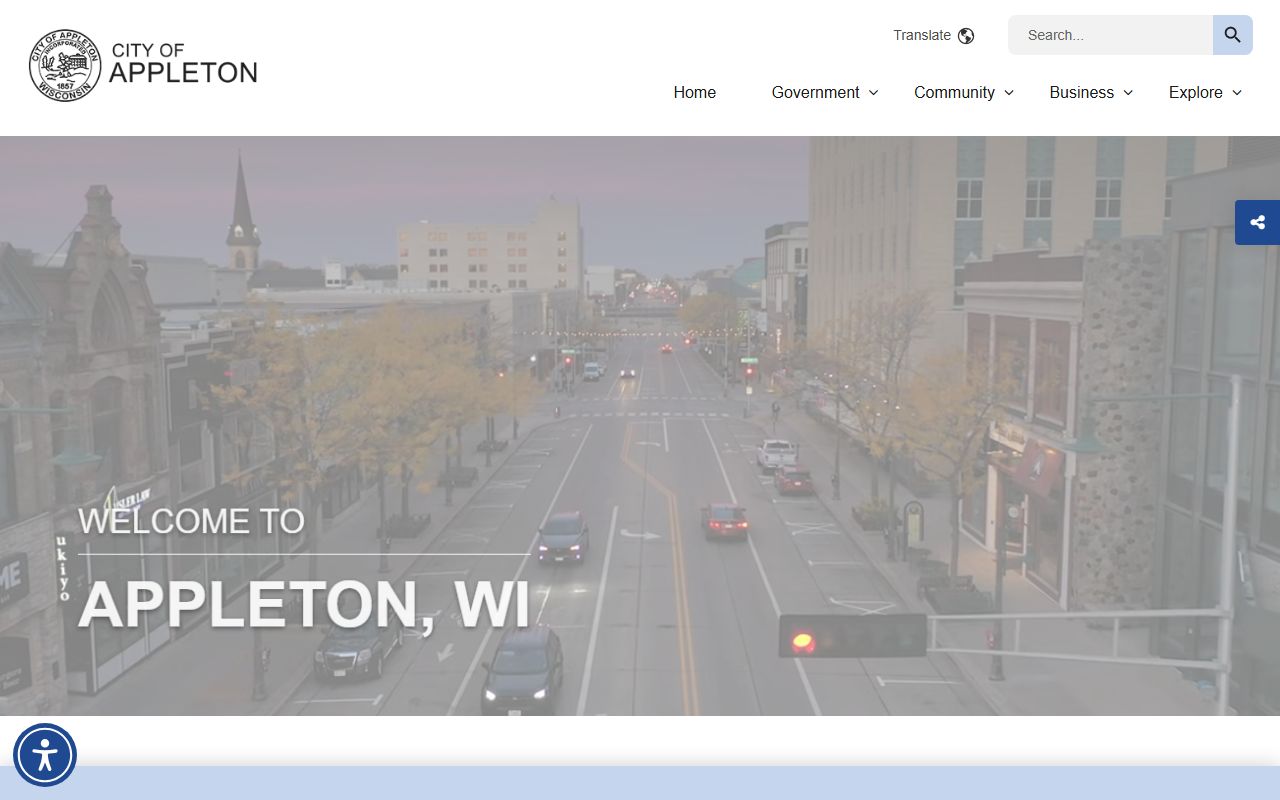
Use the county sheriff and the city site together when you need the cleanest path to the right record.
Note: In Outagamie County, the best first step is to sort county calls from Appleton city calls before you send a request.
Outagamie County Police Blotter Requests
Option 2 on the sheriff phone line takes you to records staff, which keeps the county request path simple. Standard processing time is 10 business days for the county side, so it helps to send one clear ask instead of a broad search. If you already know the date, place, or agency, put that in the request at the start. That keeps the search tighter and makes it easier for the records clerk to find the right Outagamie County Police Blotter file.
Appleton's public records form is the better route for city records. The PDF form gives the city a clear way to track the request, and the 5 to 10 business day window from the research gives you a realistic local timeline for a routine file. If the call happened inside Appleton limits, do not skip the city desk. If the call came from county land, the sheriff office is still the better first call. That split is normal in Wisconsin and it matters here too.
Good request details usually include the date range, street or road name, names tied to the call, and a case or report number if you have one. Those facts help whether you are asking the sheriff, the city police desk, or the clerk of courts. The more exact the request, the less likely the office will have to come back for clarification. That is especially useful in the Fox Cities, where one corridor can cross city and county lines fast.
- County records staff: Option 2 on the main sheriff line
- City records form: Appleton PDF public records request form
- Typical city response: 5 to 10 business days
- Typical county response: 10 business days
- Fingerprinting: Appointment only, with valid photo ID
Note: A clean Outagamie County Police Blotter request is easier to answer when you name the right agency first.
Outagamie County Police Blotter and Courts
Outagamie County Clerk of Courts is part of the same search path when a blotter item becomes a court file. The clerk's phone is (920) 832-5131, and the office sits in Appleton. That office keeps criminal, civil, traffic, and family case records, so it is the place to check when you need the follow-up result after an arrest note or incident summary. It helps to carry the report number or case number into that search.
Wisconsin Circuit Court Access at wcca.wicourts.gov is the easiest statewide tool for checking whether a case moved on from the local police record. You can search by name or case number and see the court steps tied to an Outagamie County Police Blotter entry. The Wisconsin Court System site at wicourts.gov adds forms, court information, and general help. That makes the local and state tools work together instead of forcing you to guess where the file went.
The Fox Cities region adds one more reason to check both sides of the record trail. Appleton handles many city calls, while the sheriff handles county jurisdiction incidents. A person who starts with the wrong office can still recover, but it takes longer. If you are not sure which desk owns the file, begin with the city site, the county sheriff line, and the court access system before you send a bigger request.
Outagamie County Records Law
Wisconsin public records law gives the starting point for almost every Outagamie County Police Blotter search. The presumption of access in Wis. Stat. 19.31 explains why blotter records are usually open. Wis. Stat. 19.35 covers the right to inspect and the copy fee rules, while Wis. Stat. 19.36 covers limits on access. Enforcement and penalties sit in Wis. Stat. 19.37.
The Office of Open Government at doj.state.wi.us/office-open-government is the right state guide when a request needs help. Its resources page at doj.state.wi.us/office-open-government/office-open-government-resources gives practical materials for both requesters and custodians. That matters if a record is delayed, partly redacted, or routed to the wrong agency at first. The state office can help you sort the law from the local process.
The Wisconsin State Law Library county directory at wilawlibrary.gov/topics/county.php is another good backup. It points to county legal resources, and that can save time if you want the clerk, the court, or the sheriff office in one place. For crash records, the state crash tool at app.wi.gov/crashreports is the right option. For a state background check, use recordcheck.doj.wi.gov.
Police blotter records also have a long court history in Wisconsin. The 1979 Supreme Court case that is often cited for daily arrest lists is available at law.justia.com/cases/wisconsin/supreme-court/1979/76-724-7.html. It helps explain why these records are public by default, even when some names, notes, or audio details still need redaction under the law.
Note: Outagamie County Police Blotter records can be open and still need redaction when a law or privacy limit applies.