
Search Beloit Police Blotter
Beloit police blotter searches usually start with the city police department, then move into the records bureau or the court file if the incident turns into a case. That works well in a border city like Beloit, where one call can touch a city street, a county court, or a later state record. If you need a report, a release copy, or a way to confirm what happened, begin with the office that handled the call. A focused search saves time and keeps the trail tight from the first request.
Beloit Police Blotter Overview
Beloit Police Blotter Sources
The Beloit Police Department is the first stop for city incidents. The department is at 100 State St., Beloit, WI 53511, and the records bureau can be reached at (608) 364-6801. The official police page at beloitwi.gov/police gives the city side of the search, and the Support Services and Records Bureau page at beloitwi.gov/index.asp?SEC=8985F9FF-FEB2-488A-A5BD-6A8F58D0FD08 explains where records requests belong. That is the right lane when the call stayed inside city limits.
Beloit also uses a 24/7 staffed department, with lobby hours from 10:30 a.m. to 4:30 p.m. and a service window from 7 a.m. to 4:30 p.m. The chief is Schonella Stewart, and the chief's contact line is (608) 364-6807. Requests can also go by email to pdrecords@beloitwi.gov. That matters because the office can confirm whether the record is ready before you make a trip, which is better than guessing at a file that might still be in review.
The city police page below is a direct visual link to the source page, and it is the best first place to confirm the office path.
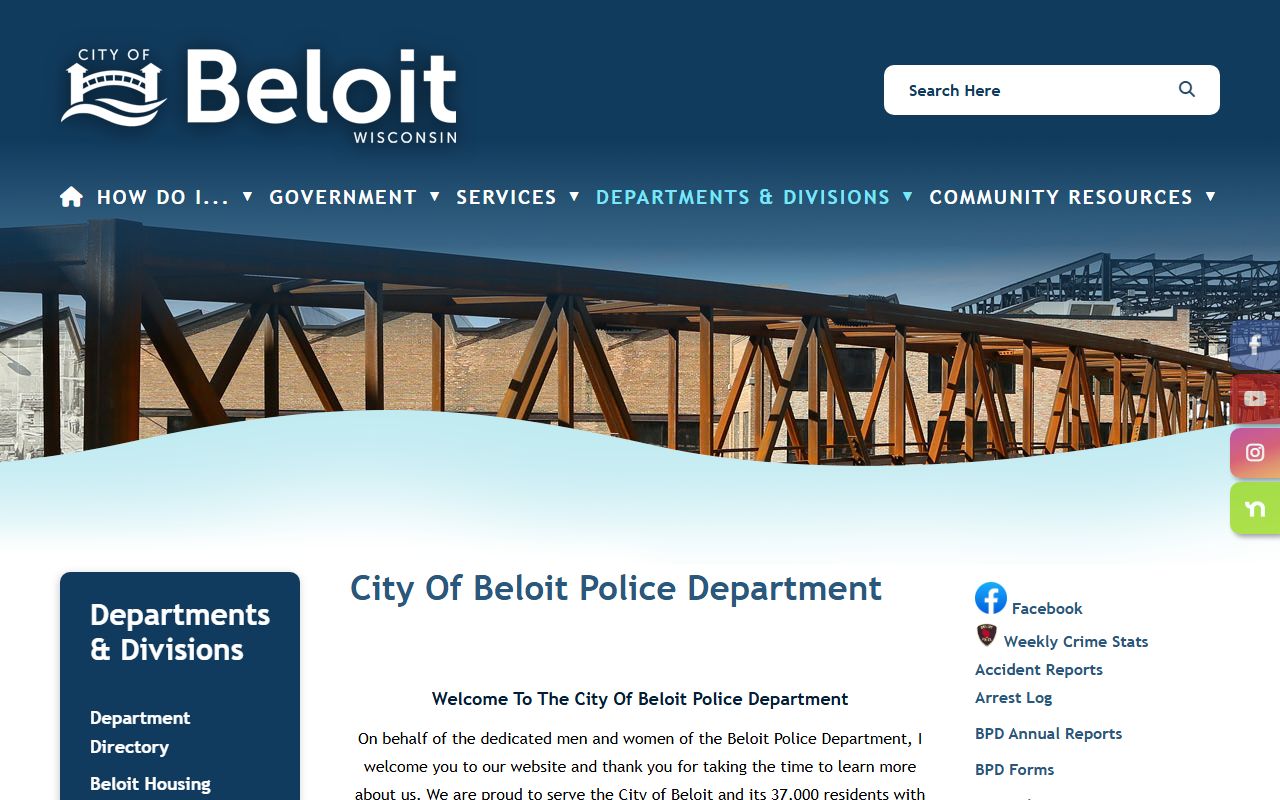
That image fits the city side because it points right back to the police department that holds most Beloit incident records.
The next-request portal is also part of the Beloit path. The portal at cityofbeloitpolicewi.nextrequest.com is the public entry point for many requests, while the direct new request link at cityofbeloitpolicewi.nextrequest.com/requests/new helps when you are ready to submit. Those pages matter because they show how the city wants requests framed and routed. A clean request is usually better than a broad one.
Beloit Police Blotter Requests
Beloit police blotter requests work best when they are short and specific. Include the incident date, the location, the names you know, and the record type you want. The city says requests should reasonably describe the records with a clear subject and time limit, which means broad asks are less useful. That is not a hard trick. It is just a good way to help the records bureau find the right file without wasting time on the wrong one.
For a written path, use the Support Services and Records Bureau page and the official next request portal together. If you want the department to confirm the file before you submit payment, call the records bureau at (608) 364-6801 or email pdrecords@beloitwi.gov. The city also says a cash deposit is required when estimated fees are over $5. That is useful to know before you request a longer report or a packet with pages and photos.
Here is the next-request page in use. It shows the city's request flow and helps keep the search local.
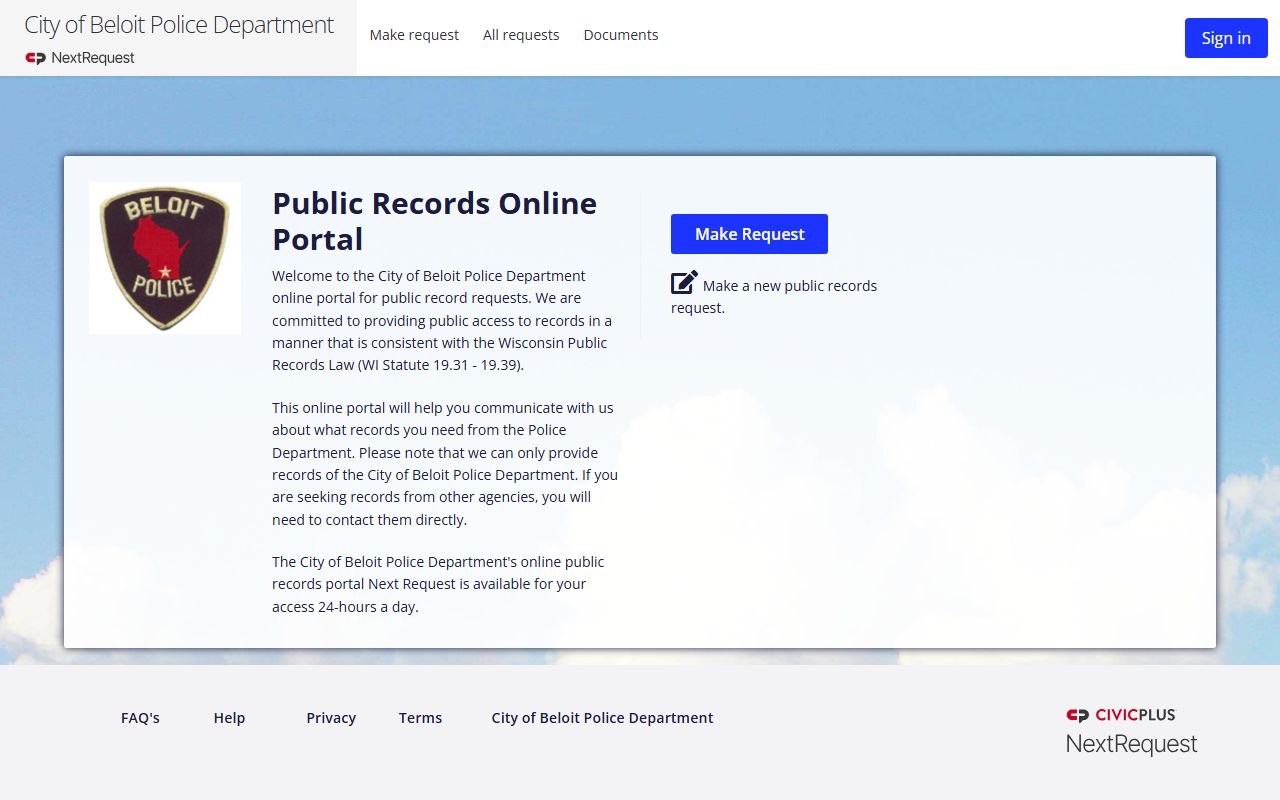
That portal is the right place for a record search because it matches the department's request process, not a third-party copy site.
Beloit's fee schedule is clear. Black and white copies cost $0.05 per page, color copies cost $0.09 per page, and a cash deposit is required if the estimated cost rises above $5. That makes small requests simple and larger ones still manageable. If the file needs extra work, the bureau can tell you what it will cost before release. That is the practical part of a city records search. You ask, then you decide how much you really need.
For a new request, the direct portal at cityofbeloitpolicewi.nextrequest.com/requests/new is the cleanest starting point. Use it when you are ready to submit the exact record you want. It keeps the search on the police side and avoids the confusion that comes with a general city form or a broad public directory.
The direct request page below shows the final step in the Beloit records path.
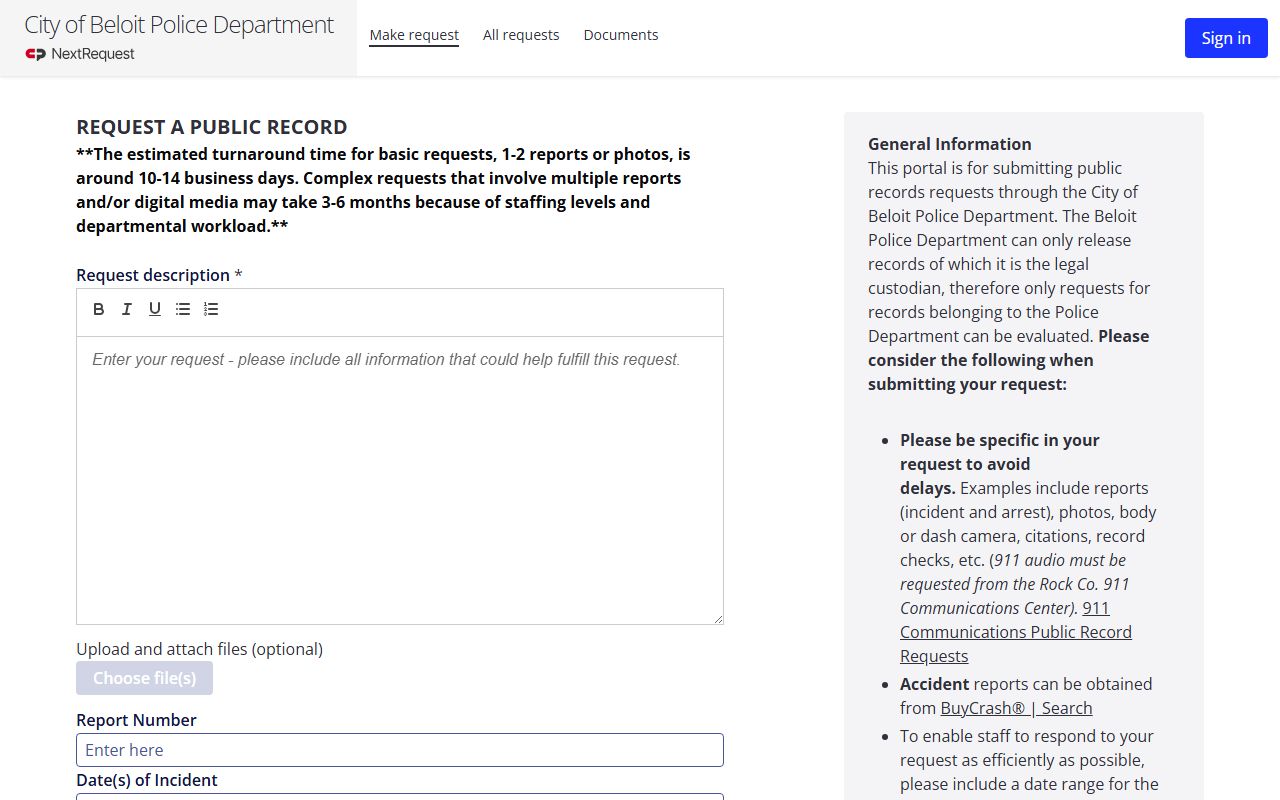
That page matters because it is the spot where a narrow request becomes a submitted file the records bureau can process.
Beloit Police Blotter and Courts
When a Beloit police blotter entry turns into a case, the court file becomes the next step. Wisconsin Circuit Court Access at wcca.wicourts.gov lets you check case status and docket details once you have a name or case number. That is useful when a short city note grows into a charge, a hearing, or a later result that lives outside the police desk. The Wisconsin Court System at wicourts.gov gives the broader court path if you need forms or self-help pages.
Crash records are separate again. If the incident was a traffic crash, the state crash portal at app.wi.gov/crashreports is the right place once you have the report number. That keeps you from asking the police desk for a file that now sits in the crash database. A good search respects the difference between a police report, a court case, and a crash record.
The DOJ record check system at recordcheck.doj.wi.gov is another useful state tool when you want a criminal history record check rather than a blotter copy. It does not replace the city report. It helps fill in the edges when the local record trail is incomplete or you need a separate state result.
When the city page starts to lead into court, the older Wisconsin access case at law.justia.com/cases/wisconsin/supreme-court/1979/76-724-7.html is useful background. It helps explain why blotter-style records have long been treated as public in Wisconsin. That history still matters when a request is narrow, lawful, and tied to a real incident.
Beloit Public Records Limits
Wisconsin public records law starts with access. The core statute chapter at Wis. Stat. Chapter 19 includes the presumption of release in 19.31, the access and fee rule in 19.35, the limits in 19.36, and the enforcement path in 19.37. In plain terms, Beloit can release a police blotter record, but it can still redact juvenile details, sensitive victim data, or active investigation material when the law requires it. That is part of the process, not a denial by default.
The Department of Justice Office of Open Government at doj.state.wi.us/office-open-government and its resource page at doj.state.wi.us/office-open-government/office-open-government-resources are the best statewide guides when a city response is unclear. They explain how custodians think about access, redaction, and cost. If your request is held up, those pages can help you understand whether the bureau is reviewing the file or whether you need to narrow the request.
Because Beloit is a border city, the county and state tools are worth keeping close. The city records portal, WCCA, and the DOJ tools together give you a practical path through a police records search. A narrow request and a clear date range are usually the fastest way to get a useful answer.
Note: Beloit requests should be specific enough to fit the subject and time limit the city asks for, or the search can stall before release.
Search Beloit Police Blotter
Start with the city police department if the incident happened inside Beloit. Move to WCCA if the case reached court. Use the crash portal if the file is a traffic crash. That sequence keeps the search orderly and keeps you from asking one office for a record held by another office.
When you need the quickest path, use the official police page, the records bureau page, and the NextRequest portal together. If the first search comes back thin, try a tighter date range or a better address clue. A clean Beloit police blotter search usually comes down to the right office, the right date, and the right level of detail.