
Search Appleton Police Blotter
Appleton police blotter searches usually start with the city police department, then move to Outagamie County or the court file if the incident grows into a case. Appleton is the largest city in the Fox Cities region, and its spot on the Fox River means city and county records can overlap in ways that are easy to miss. If you need a report, a call note, or a later case result, the right office matters. Start with the place, match the date, and keep the search narrow enough to find the real record fast.
Appleton Police Blotter Overview
Appleton Police Blotter Sources
The Appleton Police Department is the first stop for city incidents. The department is at 222 S. Walnut St., Appleton, WI 54911, and the main city number is 920-832-6173. The official city site at appleton.org is the cleanest starting point when you want to check the department and the rest of the city record path. A short blotter note often points to a bigger report, and that bigger report starts with the office that handled the call.
Outagamie County matters too. The sheriff is at 500 W. Walnut St., Appleton, WI 54911, and the sheriff site at outagamie.org/sheriff is the county route when the incident happened outside city control or moved into county custody. That split is common in Appleton. A city stop, a county arrest, and a court filing can all appear in the same story. The record path is what changes.
The county image below points back to the Appleton city source page at appleton.org, which is useful when you want the city office first.
That source is the right place to start when the call happened inside Appleton city limits.
Appleton's city records form is also worth having close by. It is the official request path when you need a written request for public records, and it helps when you want the city to confirm the file before you make a trip downtown.
Appleton Police Blotter Requests
Appleton police blotter requests work best when they are specific. Use the date, the address, the names involved, and the report number if you already have it. The city records form at Appleton public records request form is the official paper trail if you want to submit something in writing. It asks for the details the department needs to find the right file without guesswork.
The department also handles fingerprinting by appointment, and a valid government-issued photo ID is required. That is not the same thing as a blotter request, but it is a good sign that the office expects tight, exact records work. Typical response time for records is 5 to 10 business days, though simple requests can move faster when the file is ready and the request is clear. Standard Wisconsin fees still apply, so ask about cost before you ask for more than you need.
- Exact date or date range
- Street address or location name
- Names of people involved
- Report number, if known
- Whether you want the report or a status check
When the request is strong, the answer is easier to use. When the request is vague, the office has to guess, and that slows everything down. That is true in Appleton just as it is everywhere else in Wisconsin.
Appleton Police Blotter and Courts
If an Appleton police blotter entry turns into a case, Wisconsin Circuit Court Access at wcca.wicourts.gov is the fastest public court check. You can search by name or case number and see whether the matter became a charge, a hearing, or another court event. The Wisconsin Court System at wicourts.gov gives the larger court framework behind that search. Together, those two tools show whether the police record stayed a local note or turned into something more formal.
The court path is shown in the state source at wcca.wicourts.gov, and the image below points to that search tool.
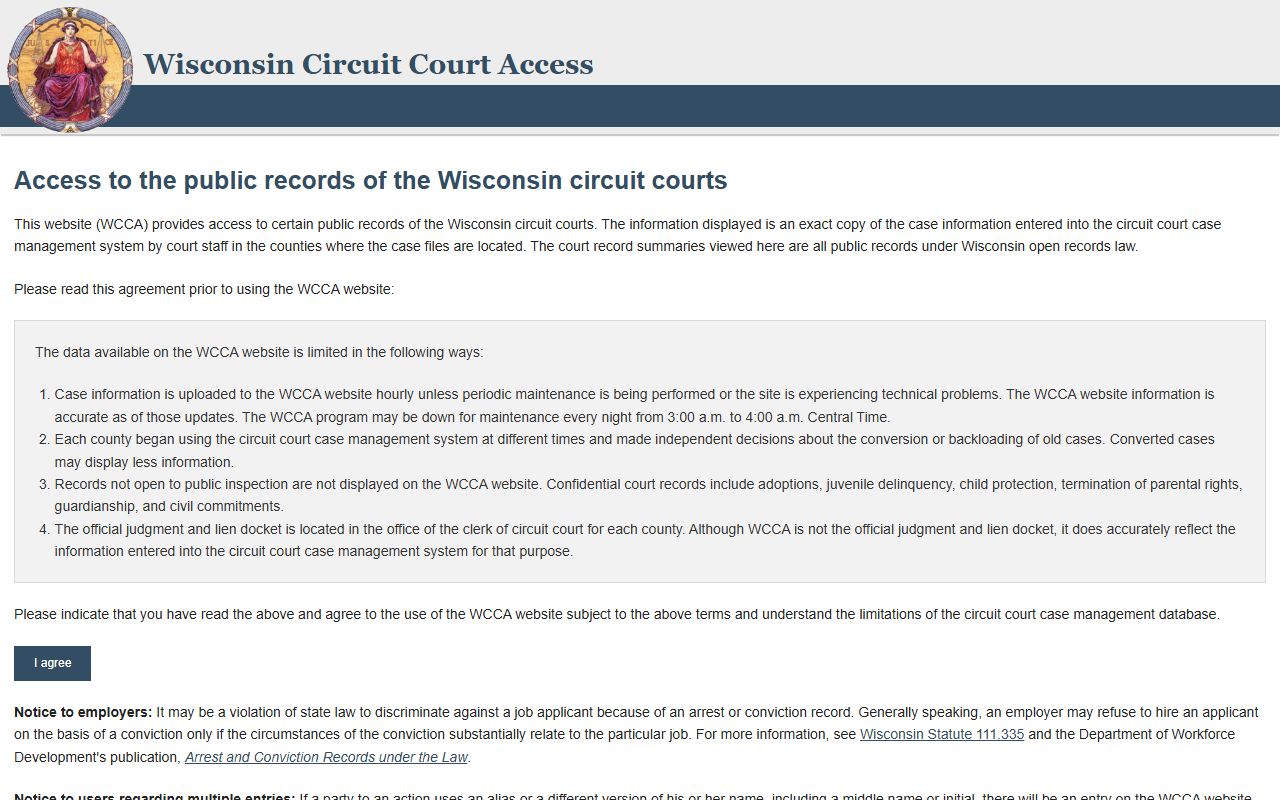
That page helps when the blotter line leads to a court docket or a later disposition.
The Wisconsin State Law Library county guide at wilawlibrary.gov/topics/county.php helps if you need a local court path or a clerk contact. If the record touches a background check instead of a report, the DOJ record check system at recordcheck.doj.wi.gov is the right state tool. It does not replace a police blotter search, but it can help fill in the gaps when the case history is what you really need.
Appleton Records And Access
Wisconsin public records law starts with access. The statute chapter at Wis. Stat. Chapter 19 covers the public-access rule in 19.31, the fee rule in 19.35, the limits in 19.36, and the enforcement path in 19.37. In plain terms, Appleton blotter records are usually open, but parts of a file can still be redacted when safety, privacy, or another statute requires it. That is normal. It does not mean the record disappeared.
The Department of Justice Office of Open Government at doj.state.wi.us/office-open-government and its resource page at doj.state.wi.us/office-open-government/office-open-government-resources explain how custodians and requesters should handle access and redaction. That is useful when an Appleton request takes a little longer than expected. The office may be reviewing a file, not refusing it. A narrow request usually moves better than a broad one.
The DOJ Office of Open Government at doj.state.wi.us/office-open-government is another state-level checkpoint for the access rules, and the image below points to that office.
It fits the part of the search where policy and release rules matter more than the report itself.
If the incident is a crash, the state crash portal at app.wi.gov/crashreports is the right route after you have the report number. That is a separate record path, but it often connects back to a blotter entry. The old Wisconsin access case at law.justia.com/cases/wisconsin/supreme-court/1979/76-724-7.html is still a useful reminder that police blotter style records have long been treated as public in Wisconsin.
Note: A short Appleton blotter entry can still lead to a longer report, a court case, or a crash file that sits in a different office.
Search Appleton Police Blotter
Start with the city police department if the incident happened inside Appleton. Move to Outagamie County if the call went county-side. Use WCCA if the file turned into a court case. That sequence keeps the search steady and saves time. It also keeps you from asking the wrong office for a record it does not hold.
When you need the fastest path, pair the Appleton city site, the police records form, and the court search together. If the first search comes back thin, go back with a tighter date range or a better location clue. A clean Appleton police blotter search is usually built on a good place, a good date, and the right office from the start.